Custom Field Service Management Software: From First Conversation to MVP with a Team of Three
A US field services company wanted software built around how it actually works. I led a three-person team to an MVP with live GPS tracking, an interactive scheduler, and the tests and pipeline to keep it reliable.
- Client
- US commercial sweeping & field services company
- Industry
- Field Services
- My role
- MVP Lead, Senior Full Stack Developer
- Duration
- 8 months
- Crews and jobs on one interactive map
- Live GPS
- Visual scheduler replacing spreadsheet planning
- Timeline
- Automated tests and deployment pipeline built from scratch
- 0 → CI/CD

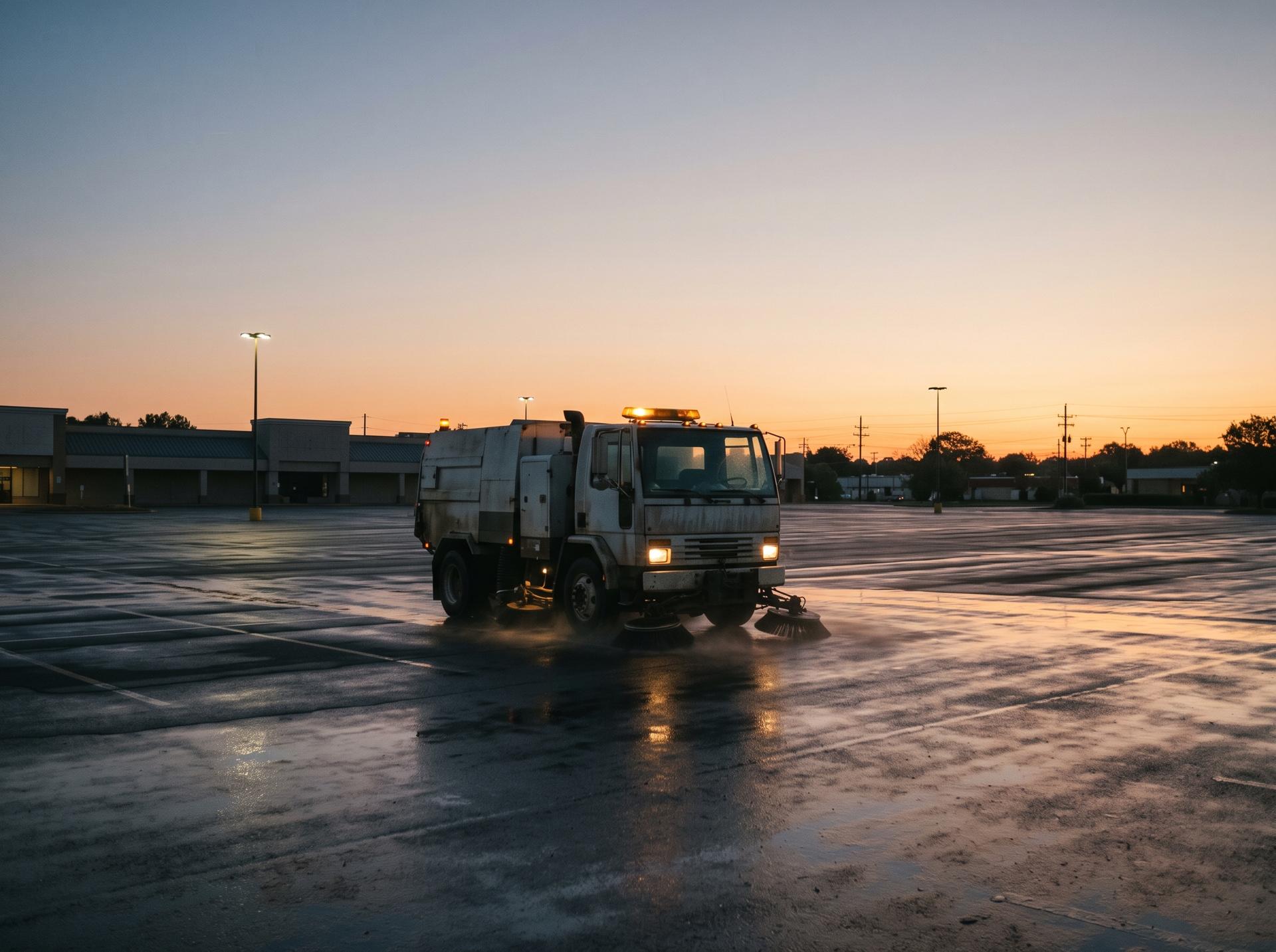
Field service companies run on coordination. Crews, vehicles, routes, work orders and customers all have to line up every day, and when the tools don't fit the way the business actually works, people fill the gaps with phone calls, spreadsheets and whiteboards.
This client, a commercial sweeping and field services company in the United States, wanted its own field service management platform: work orders, scheduling and GPS tracking, built around how their operation actually runs instead of how an off-the-shelf product assumes it does.
I owned the architecture and delivery of the MVP, leading a team of three developers.
Phase 1: Requirements, straight from the source
There was no business analyst between us and the client. I worked through the requirements directly with them, which I'd recommend for any MVP if the client has the time.
It meant we heard the real priorities in their own words. Very quickly, two things stood out above everything else:
- A map showing where crews and jobs are.
- A scheduler that the operations team could actually plan a week with.
Everything else, such as work order details, reports and settings, mattered, but those two were what the client would judge the product on. So that's where we put the most care.
On an MVP, the most useful thing you can learn early is what the client will judge the product on. Build that part best.
Phase 2: The two features that mattered most
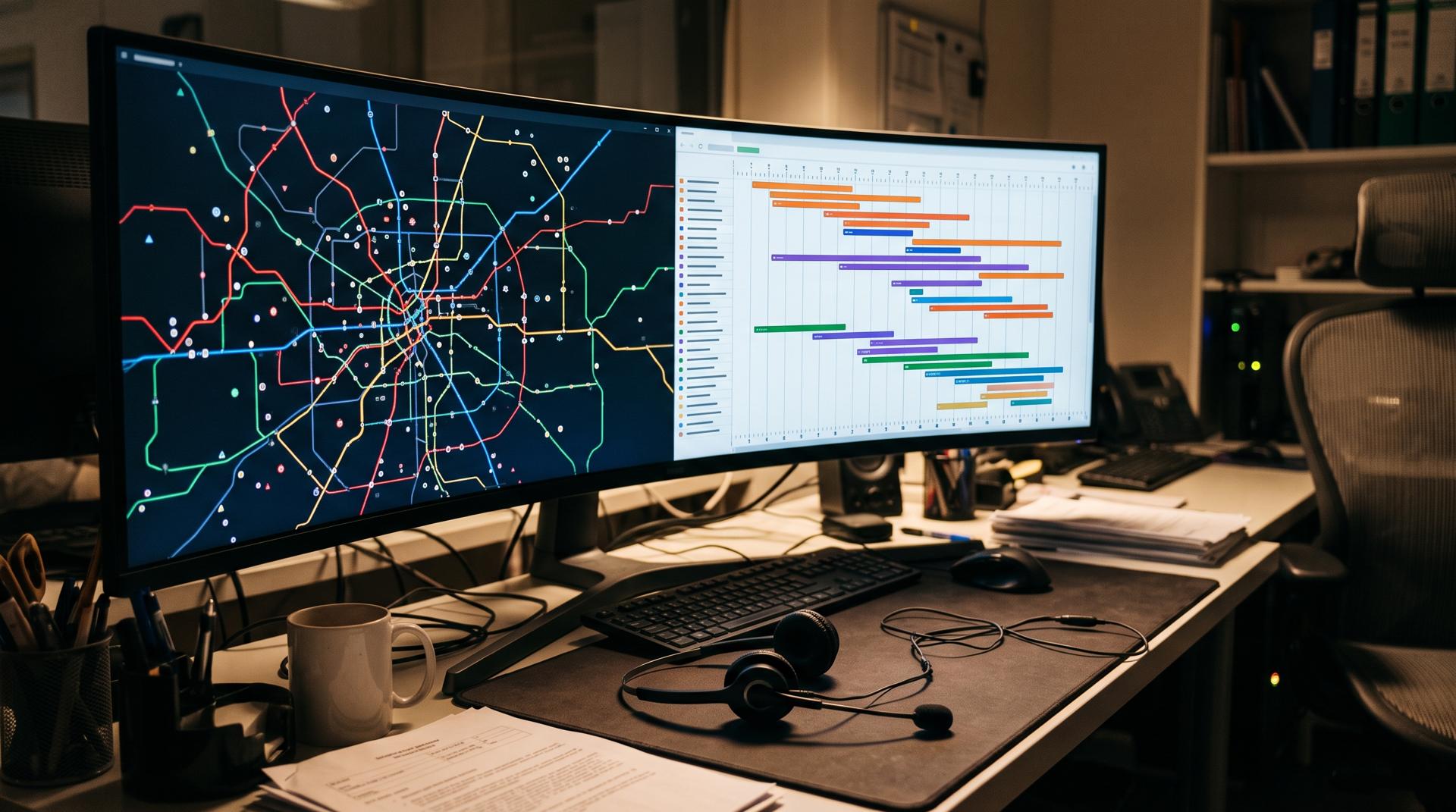
The map. I built the mapping with Google Maps, Leaflet and @vis.gl: live GPS positions of crews alongside the jobs they're assigned to. The goal was that a dispatcher could glance at one screen and know where everything stood.
The scheduler. I built an interactive scheduler using vis-timeline, so the operations team could see crews across a timeline and plan work visually instead of in rows of a spreadsheet.
Phase 3: A data layer that wouldn't collapse under real data
Early on it was clear the datasets were going to be large: many work orders, many locations, many updates over time. A simple approach, where the browser fetches everything and filters it, works fine in a demo and badly in production.
So I chose server-side rendering with Next.js and React Query for the data layer, backed by Supabase. Pages arrive with the data they need already loaded, and React Query handles caching and background updates so screens stay fast and current without reloading everything.
This is the kind of decision that is cheap to make on day one and expensive to change after launch.
Phase 4: Tests and a pipeline, from nothing
When the project started there was no testing and no deployment pipeline. I set both up from scratch: Jest for automated tests, and a CI/CD pipeline in Azure DevOps so every change was tested and deployed the same way.
For a three-person team this was not overhead. It was what let three people move quickly without breaking each other's work.
The outcome
| Area | At the start | At MVP |
|---|---|---|
| Field service tools | Generic tools and manual coordination | A platform built around their operation |
| Crew visibility | Calls and check-ins | Live GPS positions on a map |
| Scheduling | Spreadsheets | An interactive timeline scheduler |
| Testing | None | Automated tests with Jest |
| Deployment | Manual | CI/CD pipeline in Azure DevOps |
Lessons for anyone building an operations MVP
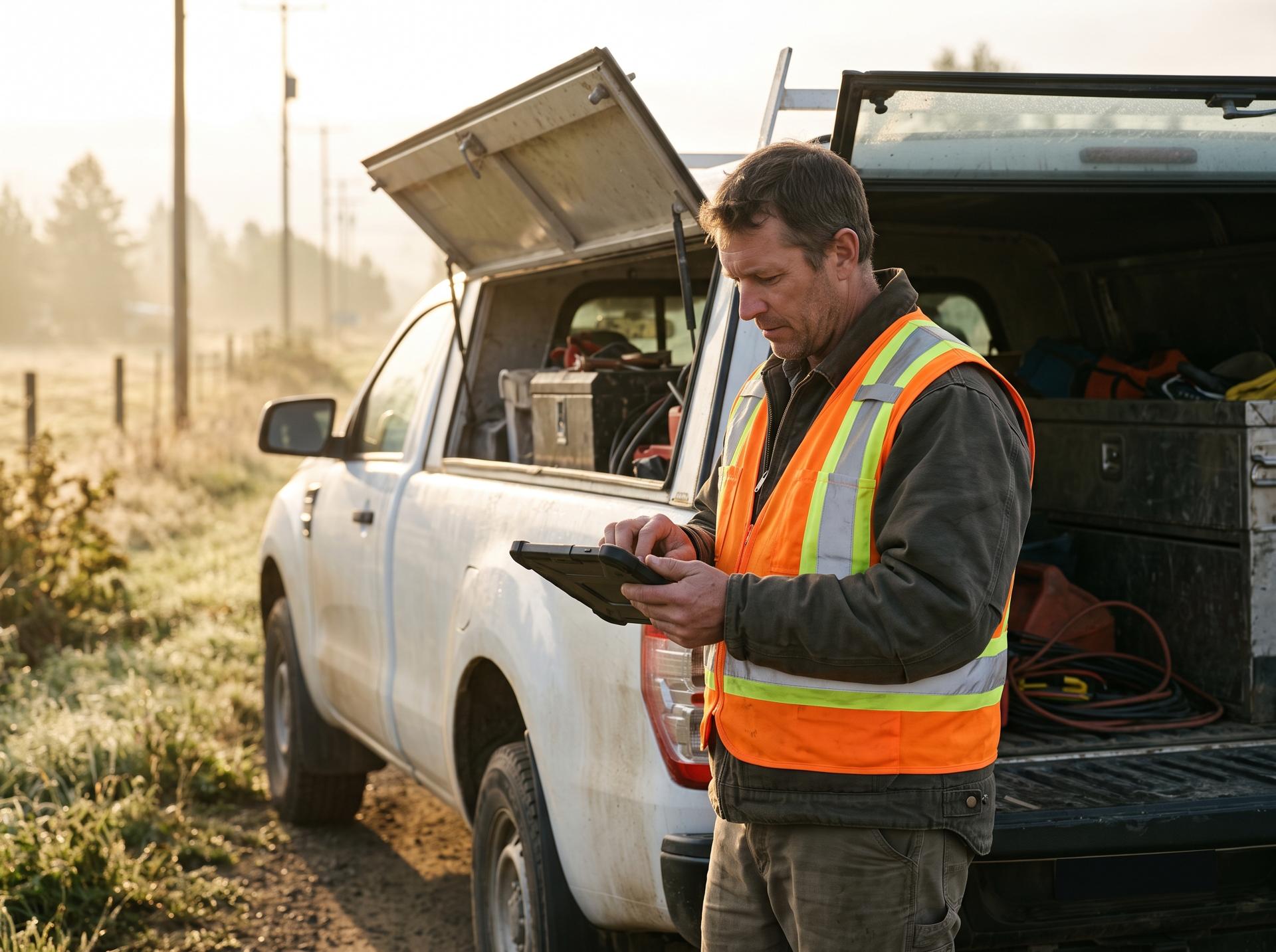
Talk to the people who'll use it. Direct access to the client saved weeks of guessing.
Find the one or two screens that decide success. For field services, that's usually the map and the schedule. Make those excellent. Make the rest work.
Plan for real data volumes now. Choosing the right data-loading approach is a day-one decision.
Small teams need automation the most. Tests and a pipeline are what let a team of three move like a bigger one.
If your operations team is held together by spreadsheets and phone calls, I'd be happy to talk about what a custom platform could look like and whether it's worth building.
Tech stack
- Next.js
- TypeScript
- React Query
- Supabase
- Leaflet
- Google Maps
- vis-timeline
- Jest
- Azure DevOps
Client details are shared with permission or anonymised, and some specifics are changed to protect confidential information. Results are from this project and aren't a guarantee for others. Views are my own. Full disclaimer
Have a similar challenge?
Tell me about your project and I'll come back with how I'd approach it.