Building a Bilingual Cybersecurity Threat Platform for Internal Teams and Clients
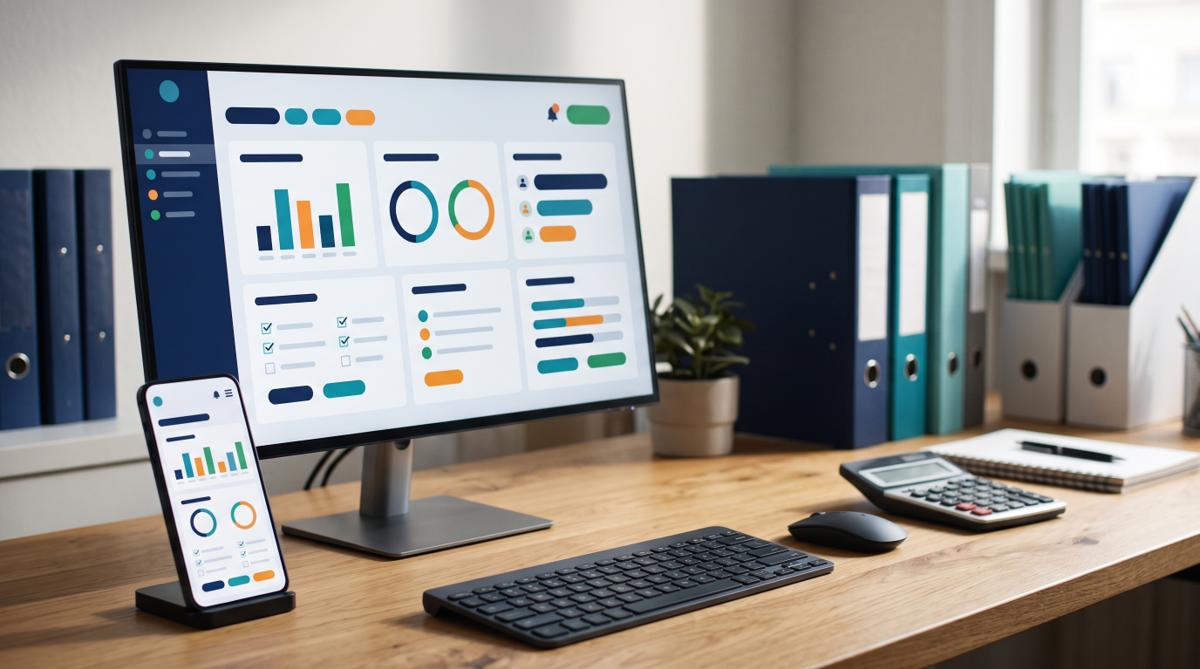
Security specialists were tracking vulnerabilities by hand. I designed an English and French platform that collects CVE and advisory feeds automatically, with two linked apps keeping internal and client data strictly apart.
- Client
- [REDACTED]
- Industry
- Cybersecurity
- My role
- Senior Software Developer & Solution Architect
- Duration
- 9 months
- CVE and security advisory intake, replacing manual monitoring
- Automated
- Internal admin portal and client dashboard, kept separate by design
- 2 apps
- Bilingual from day one, not translated afterwards
- EN + FR

Every software team depends on dozens of third-party technologies: frameworks, libraries, cloud services, operating systems. Each one can publish a security vulnerability on any given day. Keeping track of which new vulnerabilities actually affect your stack is tedious, important, and easy to fall behind on.
At the start of this project, cybersecurity specialists were doing that tracking largely by hand: watching CVE feeds and vendor security advisories, following links, and working out which ones mattered. The goal was a platform that would do the collecting automatically, and give both internal teams and external clients a clear view of the threats relevant to them.
It also had to work fully in English and French, because it served Canadian organizations on both sides of that line.
I was the senior developer and solution architect, from requirements through to the delivered platform.

Starting with the people, not the feeds
The temptation on a project like this is to start with the data: which feeds, what format, how often. I started with the people who would use it, because the hardest requirements weren't technical. They were about who should see what.
| Who | What they need | What they must not see |
|---|---|---|
| Internal security specialists | Every incoming advisory, tools to review and categorize it, and control over what gets published | Nothing off limits |
| Internal administrators | User and client management, permissions, configuration | Nothing off limits |
| External clients | Vulnerabilities relevant to the technologies they use, in their language | Other clients' data, internal notes, unreviewed items |
Working through this table with the cybersecurity subject-matter experts and product stakeholders turned out to be the most valuable week of the project. Most of the architecture followed from it.
The architecture decision: two linked apps, not one
My first design was a single application with role-based access. That's the usual answer, and it works for most products.
As the requirements firmed up, it became clear that the internal and external permission models were going to keep pulling apart. Internal users needed broad access and powerful editing tools. External clients needed a narrow, polished, read-focused view with strict data separation. Squeezing both into one app would have meant permission checks on almost every screen, and one missed check could show a client something they shouldn't see.
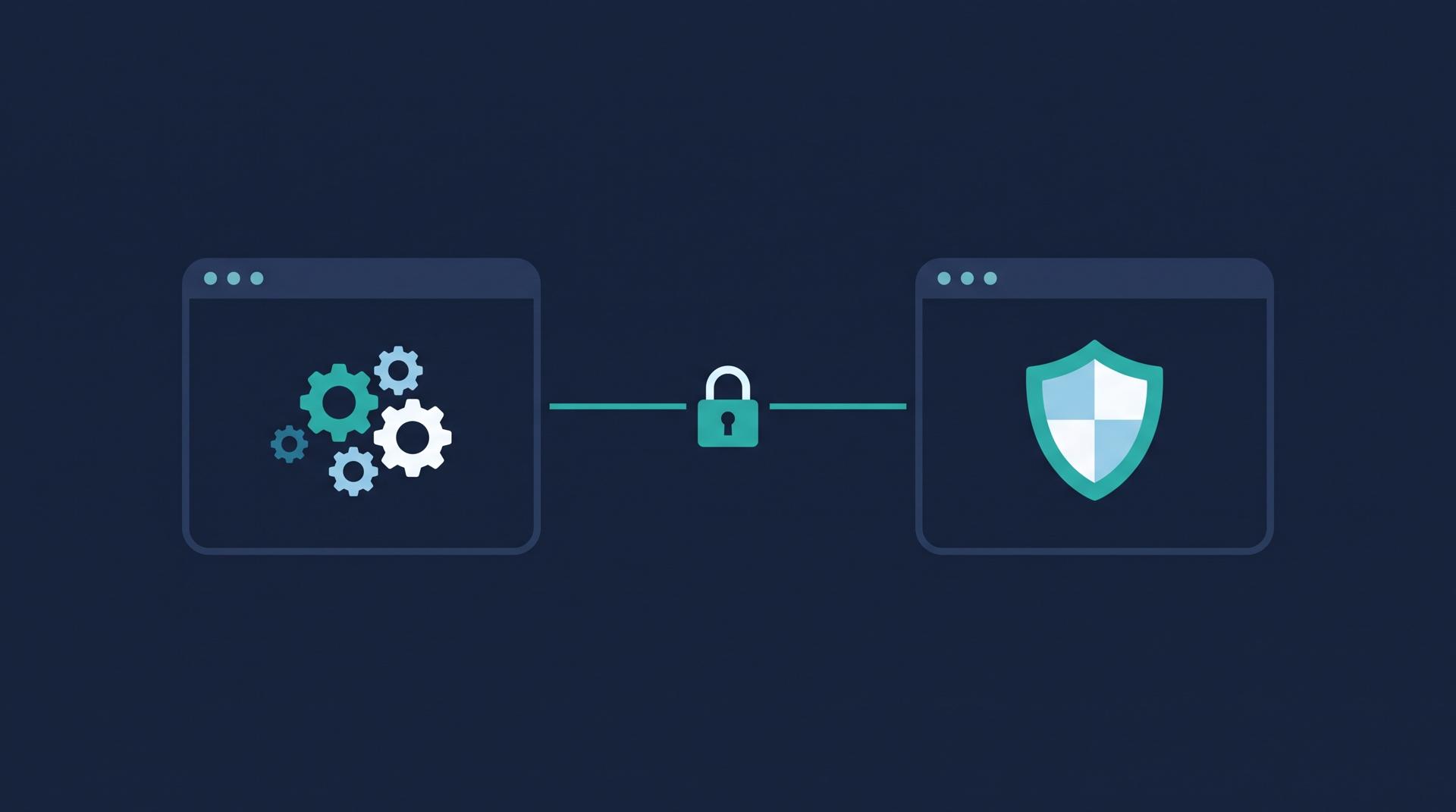
So we built two separate but linked applications:
- An internal admin portal for the security team: reviewing incoming advisories, categorizing them, managing clients and publishing.
- A client-facing dashboard: each client sees only the threats relevant to them, and nothing else.
They share data and design patterns, but the boundary between "internal" and "external" is the boundary between two apps, which is much harder to get wrong than a permission flag.
How it works
Automated intake. Microsoft Power Automate flows pull in CVE and security-advisory feeds on a schedule, including following nested links in advisories to collect the full detail. This replaced a large part of the monitoring the specialists had been doing by hand.
Review and publish. New items land in the internal portal, where specialists review, categorize and publish them. The automation does the collecting. People still make the judgment calls.
Secure sign-in. Both apps use Azure AD single sign-on with role-based access, so organizations sign in with the accounts they already have.
Bilingual throughout. English and French were designed in from the beginning, not translated at the end. Every label, message and published item supports both.
Stack. A Next.js and TypeScript frontend, and a Node.js, Express and Prisma backend I led the design of, containerized with Docker and running on Azure App Service.
What changed
- Specialists stopped spending their time collecting advisories and started spending it assessing them.
- Clients got a single place to see the threats relevant to their technology, in English or French.
- The two-app design gave strong separation between internal and client data, without permission checks scattered across every screen.

What I took from it
Data-separation requirements belong in the architecture, not in the code. When two audiences need very different access, separating them structurally is often safer than separating them with permissions.
Bilingual is a design decision. Building English and French in from day one cost very little. Adding French later would have meant revisiting every screen.
Automate the collecting, not the judgment. The best use of automation here was taking the repetitive work away from experts so they could focus on the part only they can do.
If you're building a platform that serves internal teams and external clients from the same data, I'd be glad to talk through how to draw that line.
Tech stack
- Next.js
- TypeScript
- Node.js
- Express
- Prisma
- Azure AD SSO
- Power Automate
- Docker
- Azure App Service
Client details are shared with permission or anonymised, and some specifics are changed to protect confidential information. Results are from this project and aren't a guarantee for others. Views are my own. Full disclaimer
Have a similar challenge?
Tell me about your project and I'll come back with how I'd approach it.