IH CPA: Turning an Accounting Firm's Manual Processes into Desktop and Mobile Apps
A growing CPA firm in Ontario was running on email, spreadsheets and phone calls. I built a desktop app for the firm's team and a mobile app for clients, turning tax season from chasing documents into managing files.
- Client
- IH CPA (ihcpa.ca)
- Industry
- Accounting & Tax
- My role
- Lead Developer
- Duration
- 12 Months
- One secure system: a desktop app for staff, a mobile app for clients
- Desktop + mobile
- Clients upload documents and check their file's status themselves
- Self-serve
- Every client file and deadline in one place for the team
- One view
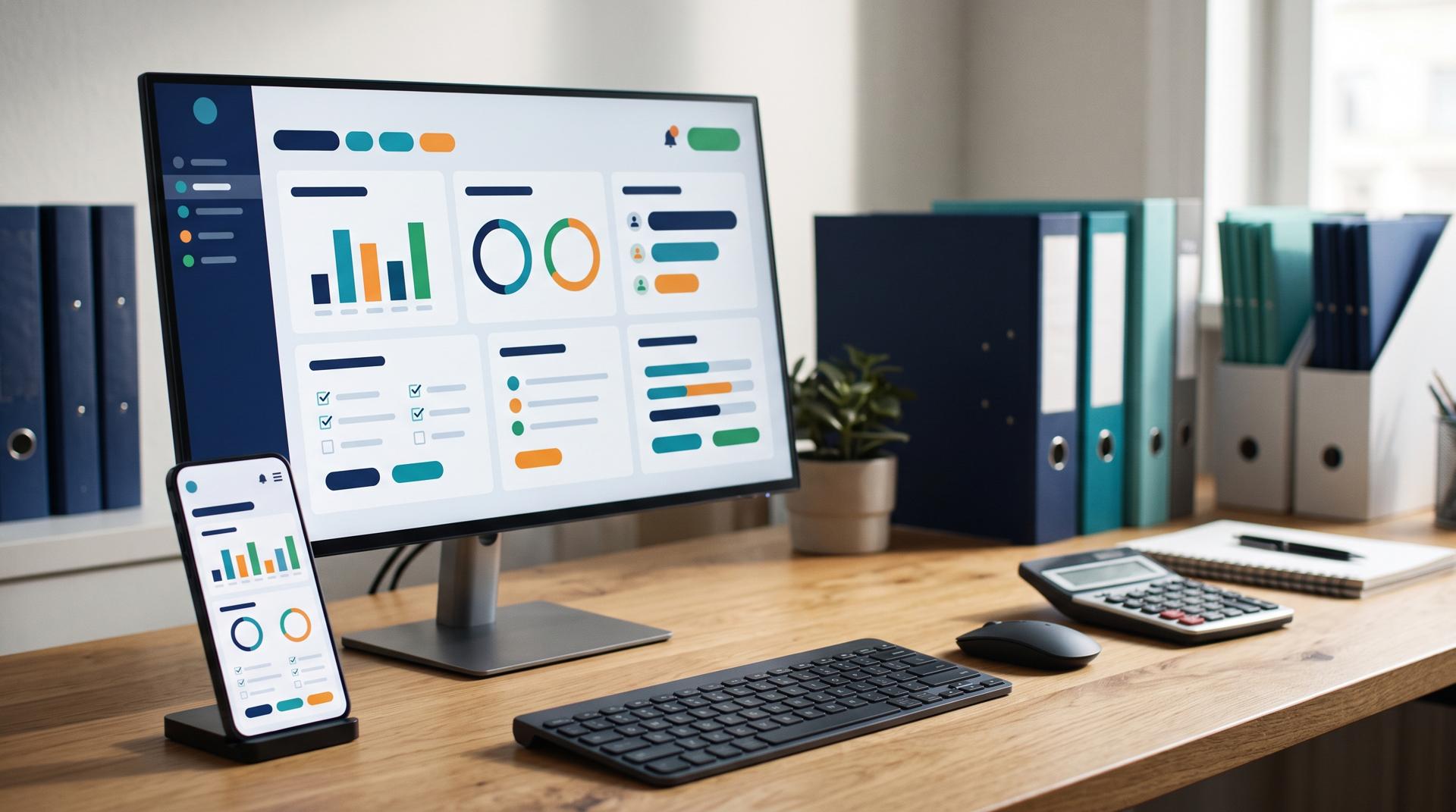
IH CPA is a Chartered Professional Accountant firm based in Mississauga, Ontario, with locations across the Greater Toronto Area, Kitchener-Waterloo and Edmonton, and clients across Canada. They handle personal and corporate tax, bookkeeping, payroll, incorporations, fractional CFO work and cross-border US-Canada tax.
Like many accounting firms, much of their day-to-day work ran on manual processes: documents arriving by email, checklists kept by hand, and a lot of messages back and forth to chase missing information. That works when a firm is small. As it grows, and as tax season piles everything into a few weeks, it becomes the bottleneck.
I built software to turn those manual processes into a desktop application for the firm's team and a mobile app for their clients.
Tax season, before and after
| Step | Before | After |
|---|---|---|
| Collecting documents | Email attachments, photos, paper | Clients upload from their phone, straight into their own file |
| Knowing what's missing | Checking by hand, then emailing | Each client sees their own checklist of what's still needed |
| Status questions | "Has my return been filed?" calls and emails | Clients see their file's status in the app |
| Deadlines and reminders | Calendars and memory | Automatic reminders for clients and staff |
| Team workload | Spread across inboxes and spreadsheets | One view of every file and where it stands |
Two apps, two jobs
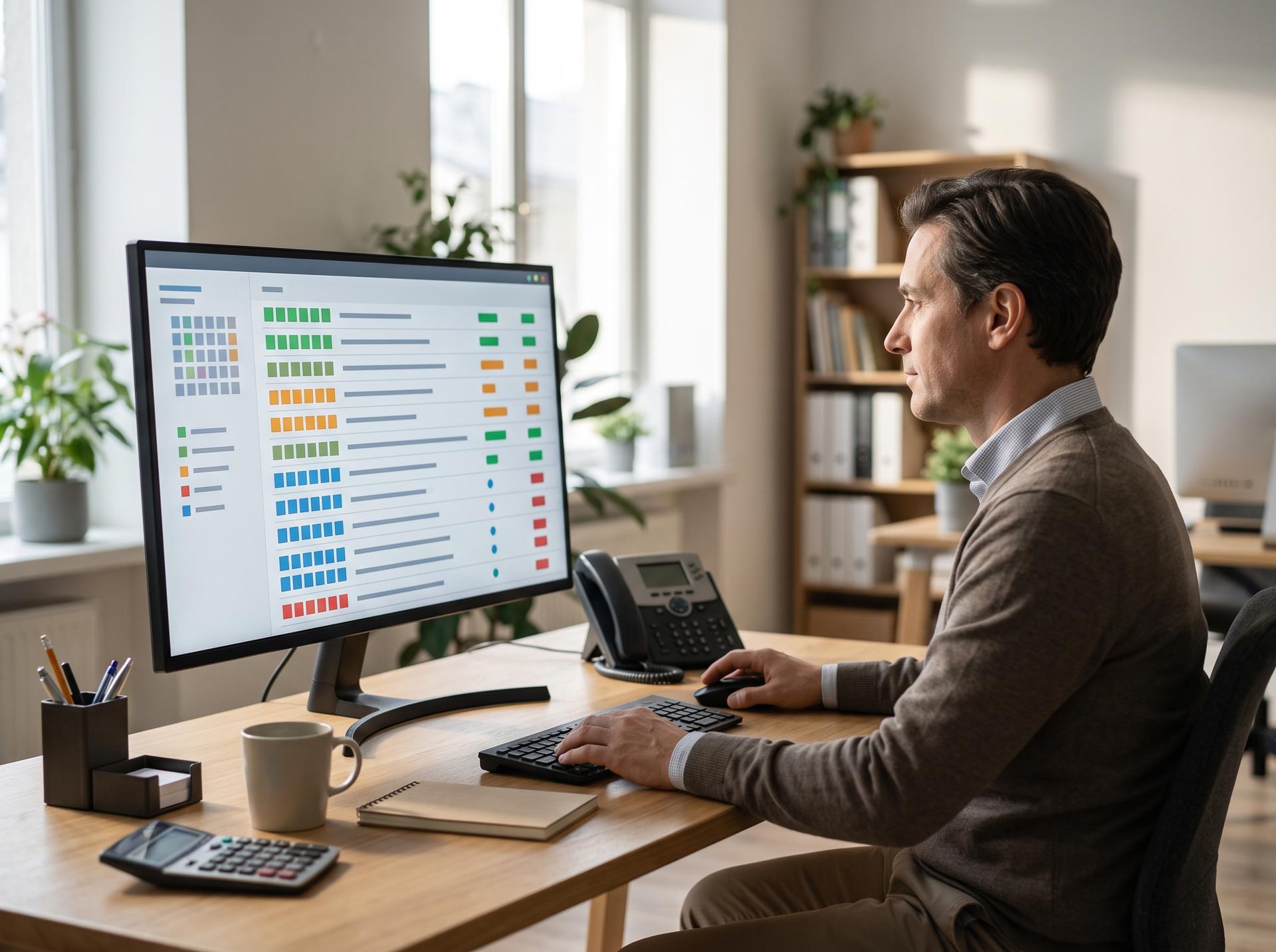
The firm's team and its clients need very different things, so they got different apps built on the same secure system.
| Desktop app (the firm) | Mobile app (clients) | |
|---|---|---|
| Who | Accountants and staff | Individuals and business owners |
| Main job | Manage every client file through the season | Send documents and know what's happening |
| Key features | Client list, file status, document review, task assignment, deadlines | Document upload with the phone camera, checklist of what's needed, status updates, messages |
| Design priority | Speed for people working all day | Simplicity for people who use it a few times a year |
The most important design rule for the client app was that it has to be easier than sending an email. If it isn't, clients go back to email, and the firm is back where it started.
Security first
Tax documents are among the most sensitive files a person has: income, social insurance numbers, bank details, business finances. The system was designed around that:
- Every client sees only their own files
- Staff access based on role
- Documents stored securely, never sent around as email attachments
- A record of who accessed and changed what
What changed for the firm
- Less chasing. Clients can see what's missing without being asked.
- Fewer status calls. Clients can check where their file stands themselves.
- A clearer tax season. The team sees every file in one place, instead of piecing it together from inboxes.
- Room to grow. Taking on more clients doesn't mean the same increase in admin.

For other accounting and professional services firms
If your firm runs on email, spreadsheets and phone calls, you're not alone. Most do. The answer isn't always custom software. Several good practice-management tools exist, and for some firms one of those is the right choice. Custom makes sense when your process is how you stand out, or when off-the-shelf tools force you to work around them.
Either way, the first step is the same: map how a file actually moves through your firm today. If you'd like help doing that, get in touch.
Tech stack
- Next.js
- TypeScript
- Node.js
- Express
- Prisma
- Azure AD SSO
- Docker
- Azure App Service
- Azure Document Intelligence
- Azure Database for PostgreSQL
Client details are shared with permission or anonymised, and some specifics are changed to protect confidential information. Results are from this project and aren't a guarantee for others. Views are my own. Full disclaimer
Have a similar challenge?
Tell me about your project and I'll come back with how I'd approach it.